From anywhere, into Lonc.
Paste a link, share from the app or snap a photo.
Save a recipe from anywhere
- Paste a link from Instagram, TikTok, YouTube, Facebook, Pinterest or any recipe site. Even a single carousel slide or a TikTok photo post.
- Share straight from Instagram, TikTok or your browser. Tap “Save to Lonc”.
- Snap or scan a cookbook page or a handwritten card. Lonc tells print from handwriting on its own.
- Import screenshots or paste text.
- Before you save, it shows where it wasn’t sure. Shaky ingredients are underlined, with the original text right there.
A recipe that fits you
- Scale servings with one tap. Metric or US units.
- Nutrition per serving.
- “Make it healthier” suggests lighter swaps, each right next to its line.
- Keep versions of a recipe and compare them. Add your own notes. See the original photo any time.
- Share as text or PDF, or print it.
Cooking without the stress
- Cook mode: big letters, one step at a time. The screen stays on, and Lonc can read the steps out loud.
- A timer in every step, several at once. They ring like an alarm, even on a locked phone, with the tune you pick.
- Before you cook, check what you have at home. Whatever’s missing goes on the list in one tap.
- After, rate it, add a note and snap your dish. Your photo becomes the recipe’s cover.

Plan your meals ahead
- A weekly cooking calendar. Drop recipes onto days and meals: breakfast, lunch, dinner.
- One tap turns the whole week into a shopping list.
A shopping list that thinks for you
- Ingredients sorted by aisle, in the order of your own shop.
- Amounts from several recipes add up: “from 3 recipes”.
- Several lists at once. Share a list with your family. Works offline.
Your pantry
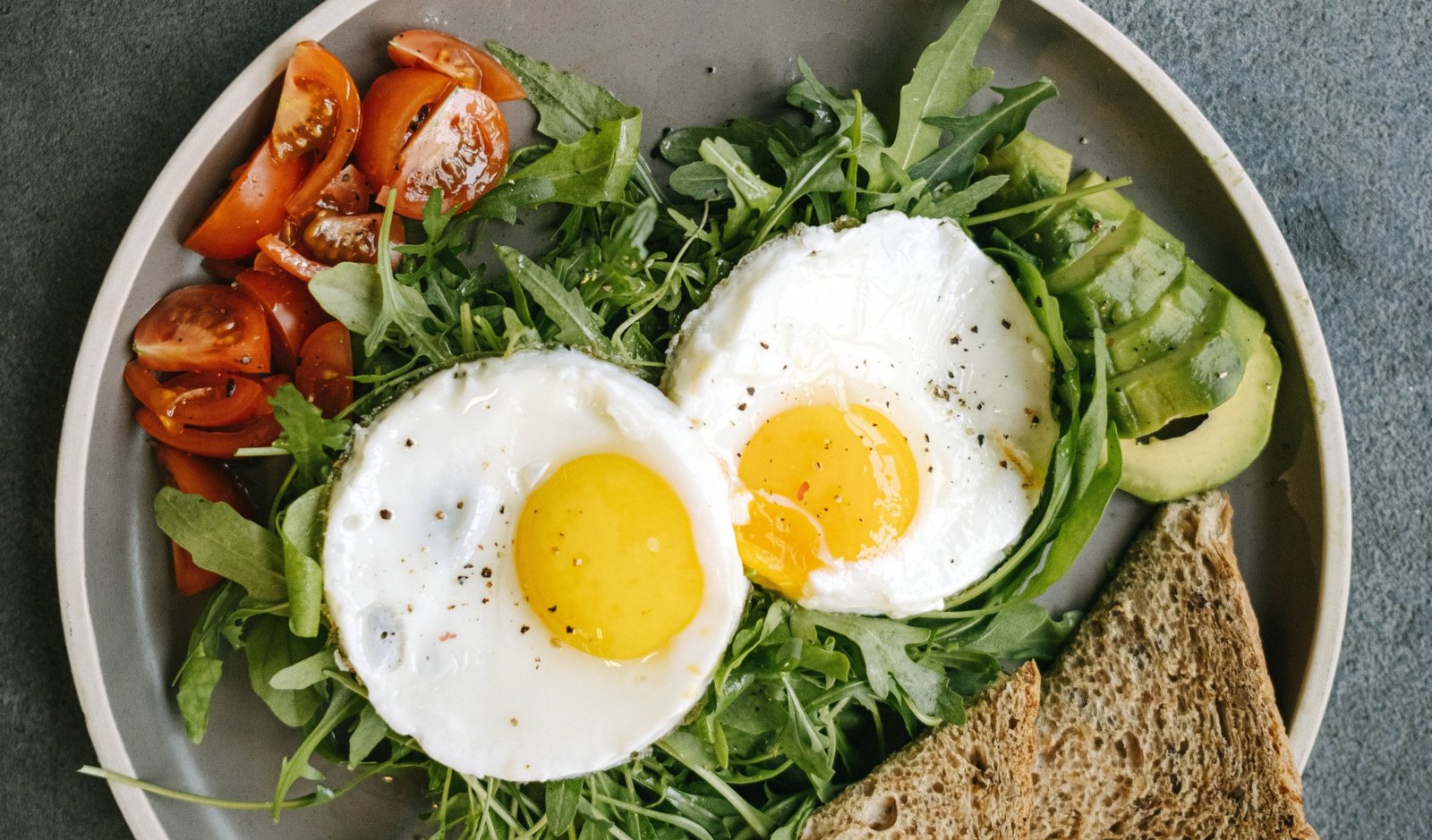
- “Always have” and “ran out”: your list and cook mode know what’s already at home.
- “What’s in my fridge?” Type what you have, and Lonc finds recipes you can cook.
From the drawer into Lonc.
Somewhere there’s a drawer full of them. Cards and notebooks in Grandma’s, Mum’s and your aunt’s handwriting. Stained, yellowed, folded in half. Snap them with Lonc. It reads handwriting too and turns each one into a tidy recipe, before the paper gets lost.
Cookbooks and family recipes
- Sort recipes into your own cookbooks.
- Turn a cookbook into a beautiful PDF book for print. Three templates, A4, Letter or 6×9.
- Family recipes: who gave it to you, its story, a photo and a voice recording. Grandma telling you how it’s done.
- The photo of the original card stays saved with the recipe.
Yours. Private.
- No account and no sign-up. Your recipes live on your phone.
- Backup with photos. Export all your recipes.
- Works offline. Internet is only needed for importing.
- In English, Slovenian and Croatian.
Simple pricing
Start free. Upgrade when Lonc gets full.
- 10 imports a month
- All other basic features
- Manual recipe entry
- Unlimited export
- Unlimited imports
- Scan many pages at once
- Nutrition
- “Make it healthier”
- PDF cookbook
- Several shopping lists
Store prices are shown in your currency. Unlimited imports are subject to fair use: up to 200 AI imports per person per month.
Questions
Is it private?
Yes. There’s no account, so there’s nothing to tie your recipes to. They stay on your device.
Do I need an account?
No. No sign-up and no login. Open the app and start saving.
Which sources work?
Instagram (even a single carousel slide), TikTok (photo posts too), YouTube, Facebook, Pinterest and any website with a recipe. Plus photos, scans, screenshots and pasted text.
What happens to my recipes if I cancel Plus?
They stay yours, every one. You go back to 10 imports a month, and the Plus features switch off.
Where are my recipes stored?
On your phone. Back them up with photos and export them any time.
Does it work offline?
Yes. Cooking, planning, lists and all your recipes work offline. Internet is only needed for importing.
Which languages?
The app is in English, Slovenian and Croatian.